Gears Engagement Issue
The vehicle will not engage Drive or Reverse. The gear selector is stuck in P (Park) or N (Neutral).

WhatsApp Support: +1 (657) 229 1838
Professional BMW 6HP Transmission ISN Reset and EGS Remote Programming service for BMW F Series vehicles. Reset and synchronize the EGS ISN, virginize used 6HP mechatronic and transmission control units (TCUs), perform VIN programming and coding, and pair replacement transmissions with your vehicle. Resolve EWS/ISN mismatch, no-start after transmission replacement, gear engagement issues, and transmission synchronization problems without replacing expensive components. Supports GA6HP19Z, GA6HP21Z, GA6HP26Z, GA6HP28Z, and other BMW 6HP EGS variants. Fast online remote service for workshops, technicians, and repair professionals worldwide.
Everything you need to complete your remote programming with confidence.
The BMW 6HP EGS (Transmission Control Unit) stores the ISN (Immobilizer Security Number), VIN, coding, and adaptation values. A second-hand or junkyard-used 6HP mechatronic, EGS module, or gearbox must be virginized, ISN reset, and re-flashed before it can be installed and synchronized with another BMW. It cannot operate in another vehicle because of an ISN mismatch between the EGS and the DME, preventing the replacement mechatronic from functioning correctly.
The vehicle will not engage Drive or Reverse. The gear selector is stuck in P (Park) or N (Neutral).
DKG is not recognized by the vehicle. You may get an EWS manipulation fault.
Due to the ISN mismatch between DME and EGS, the car doesn't move.
You may have one (or more) of these errors and DTCs in Scantool (Diagnostic tool) due to an ISN mismatch between the transmission module and DME.
To repair and fix the BMW 6HP EGS transmission gear engagement issue for GA6HP26Z and GA6HP19Z:
After the remote 6HP ISN reset and remote programming, the ISN is reset and cleared, the EGS module is virgin, and the transmission is ready to be programmed and coded on your car and VIN.
Due to the ISN mismatch, there is no engagement.
The transmission module and DME have the same ISN and are matched.
After service, the EGS module and DME have the same ISN. Transmission is matched and running properly.
Get a used transmission working correctly with your vehicle and avoid the high cost of a new replacement.
Complete the entire repair remotely from your own workshop, saving time, reducing costs, and keeping your customer in-house.
Before purchase, please contact us if your BMW or Mini model is not on the list.
730d, N57, EUR, (KM21)730d, N57, EUR, (KM22)740d, N57S, EUR, (KM81)740d, N57S, EUR, (KM82)750i, N63, EUR, (KA81)750i, N63, EUR, (KA82)750i, N63, USA, (KA83)750iX, N63, EUR, (KC61)750iX, N63, USA, (KC63)ALPINA B7, N63, USA, (KA73)ALPINA B7X, N63, USA, (KC53)730Ld, N57, EUR, (KM41)730Ld, N57, EUR, (KM42)750Li, N63, EUR, (KB81)750Li, N63, EUR, (KB82)750Li, N63, USA, (KB83)750LiX, N63, EUR, (KC81)750LiX, N63, USA, (KC83)ALPINA B7L, N63, USA, (KB73)ALPINA B7LX, N63, USA, (KC73)750LiS, N63, EUR, (LK21)750LiS, N63, EUR, (LK22)LCI, 750LiS, N63, EUR, (GX21)740Li, N54, USA, (KB43)740i, N54, USA, (KA43)Contact us for compatibility checkA clear 5-step remote path — from compatibility check to post-service guidance.
Any remote session starts here. Contact us on WhatsApp and check compatibility.
Buy the service and schedule the service at your best time. We will send you the remote session software.
Install the remote support software we provide, prepare the vehicle, and ensure all requirements are met.
ArmHex technician contacts you on WhatsApp, launch the remote session, and starts programming. Live Chat!
We verify the results, confirm the module operates correctly, and clear any applicable errors.
ENET Cable & USB Adapter
Stable Internet & Windows
ArmHex Remote Session Software
Battery Maintainer
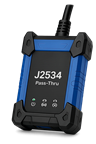
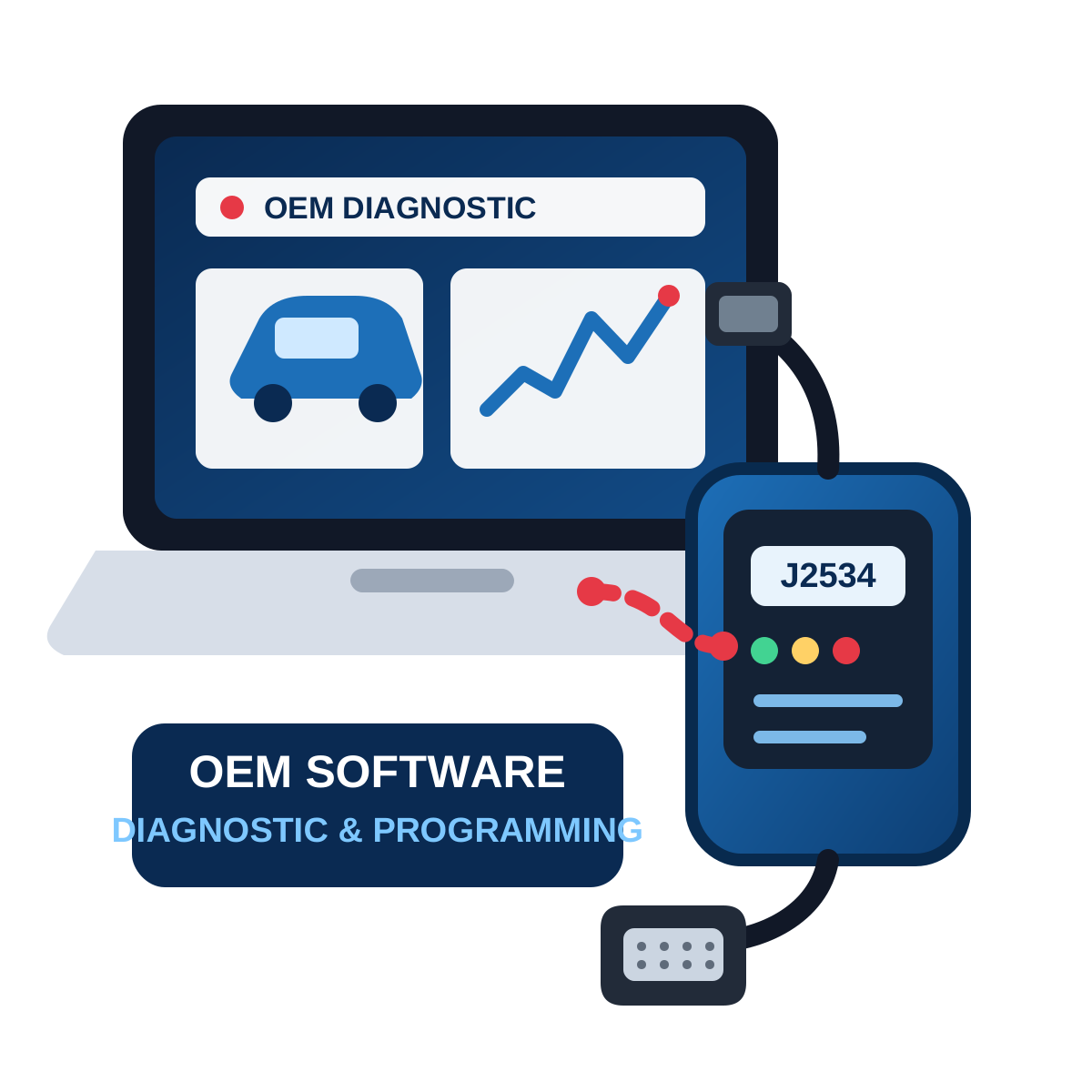
You may need J2534 or OEM Interface (Contact us)
Minutes for the most compatible models.
Yes, but the EGS must be virginized and synchronized to your vehicle.
Yes.
Yes, if there are no mechanical problems.
No. This is a fully remote service through an OBD and ENET cable. It is performed with the transmission installed in the car.
We support the most major F Series , F01, F02, F03 (GA6HP26Z and GA6HP19Z variants used in BMW 7 models)
Yes. If you have a high-speed and stable internet connection. BMW 6HP programming service is available worldwide, including: United States, Canada, United Kingdom, Europe, Australia, the Middle East, Africa, Asia, etc.
We usually support all. However, for final confirmation, please contact us.
We support the most common BMW 6HP control units installed on F-Series. Please check vehicle coverage or contact us for a compatibility check.
ASE Expert Programming
OEM-Level Programming
ArmHex is a BBB-Accredited Business
100% Guaranteed to Work
We match and synchronise the ISN for DME and EGS (Transmission Module). Get Back on the Road Without Buying a New Transmission!
 $450
$450
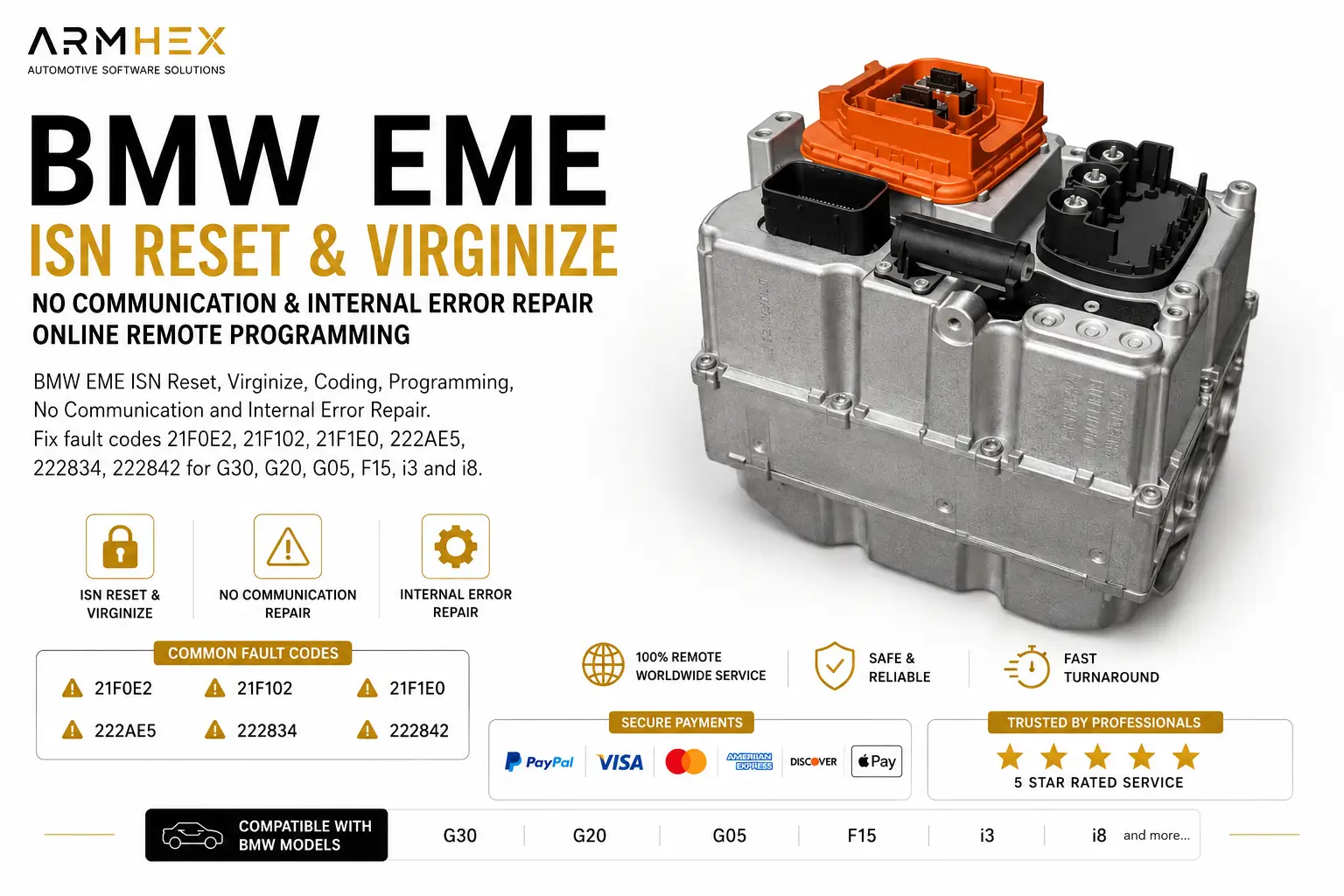
BMW EME ISN Reset via OBD for G30, G05 & hybrid models. Fix EWS/ISN mismatch after a used EME replacement with fast remote programming and c…
View service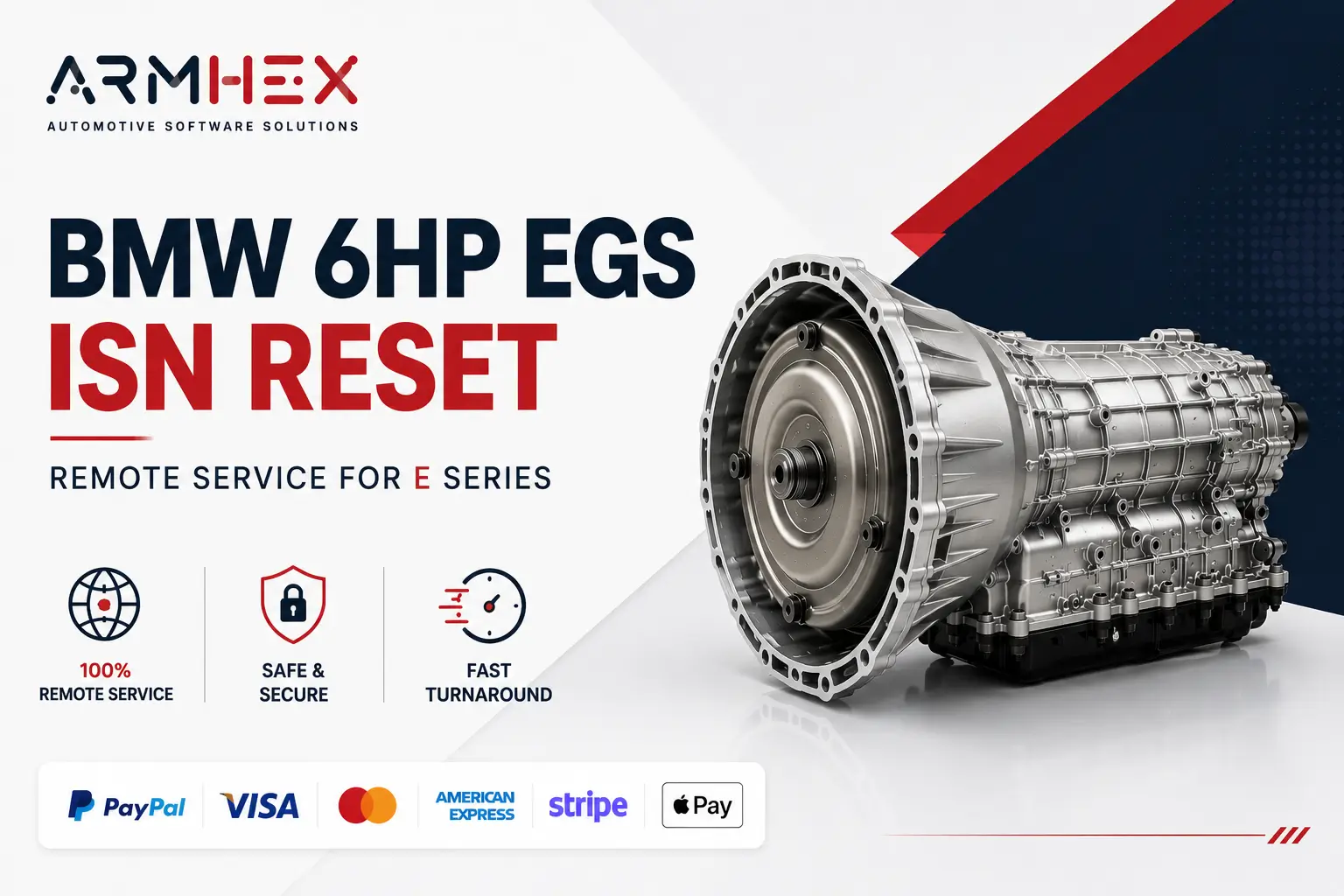 $149
$149
Professional online remote BMW E Series used 6HP transmission EGS ISN reset service. Virginize used mechatronic and TCU modules, synchronize…
View service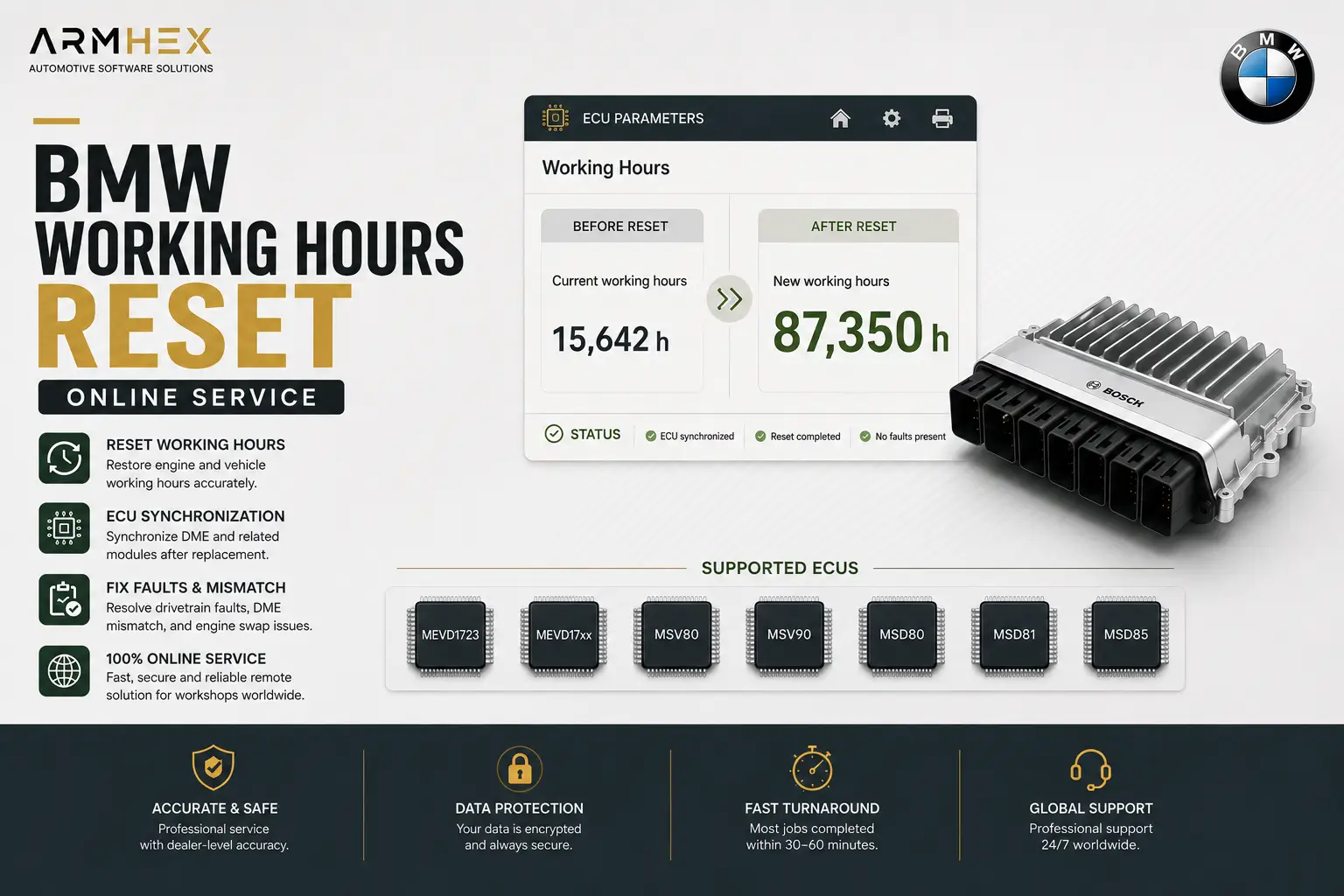 $149
$149
Professional BMW working hours reset and ECU synchronization online service for MEVD1723, MEVD17xx, MSV80, MSV90, MSD80, MSD81, MSD85 ECUs.…
View service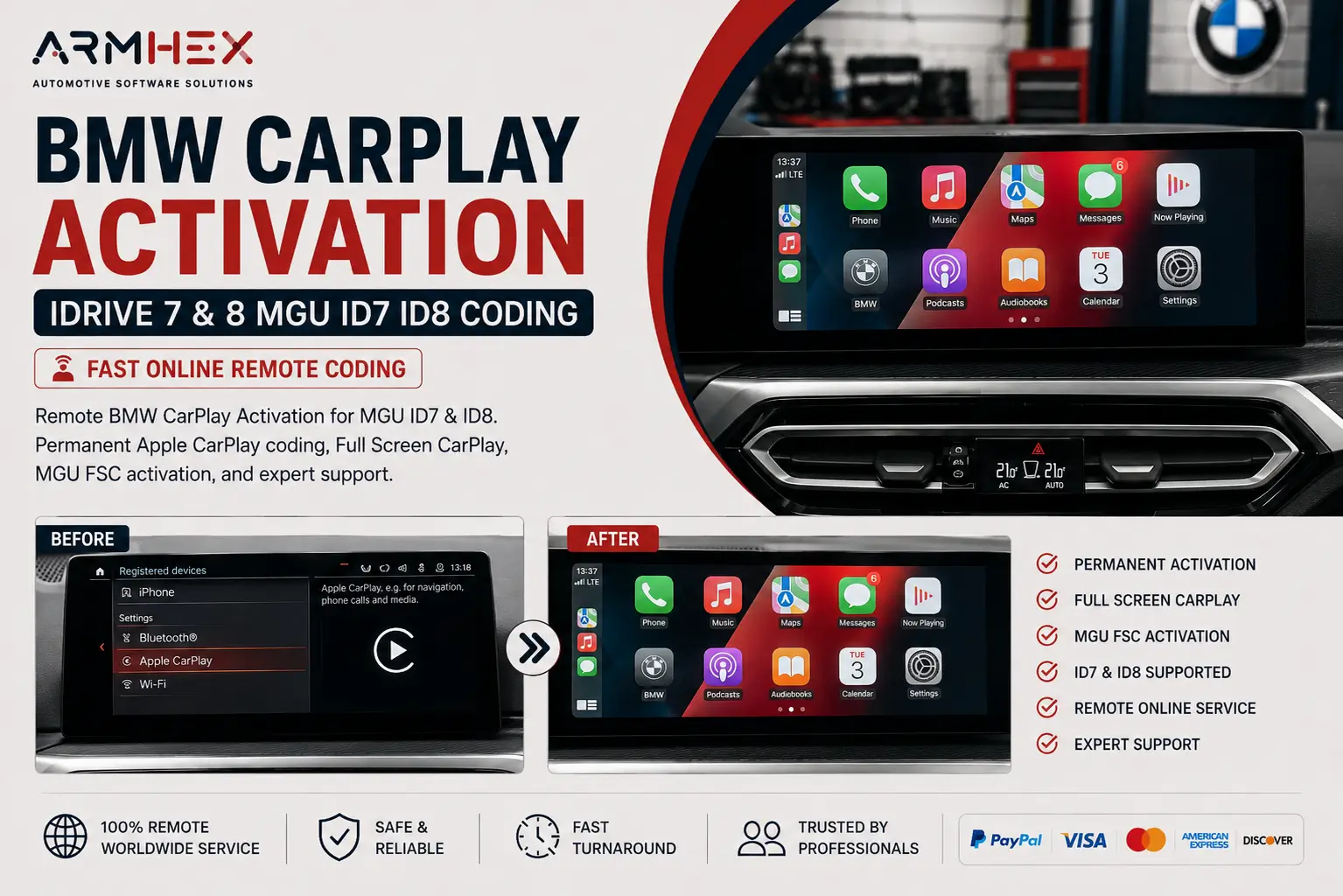 $250
$250
BMW Apple CarPlay Activation for iDrive 7 & 8 MGU ID7 ID8. Remote CarPlay coding, Full Screen CarPlay, and FSC activation with expert online…
View service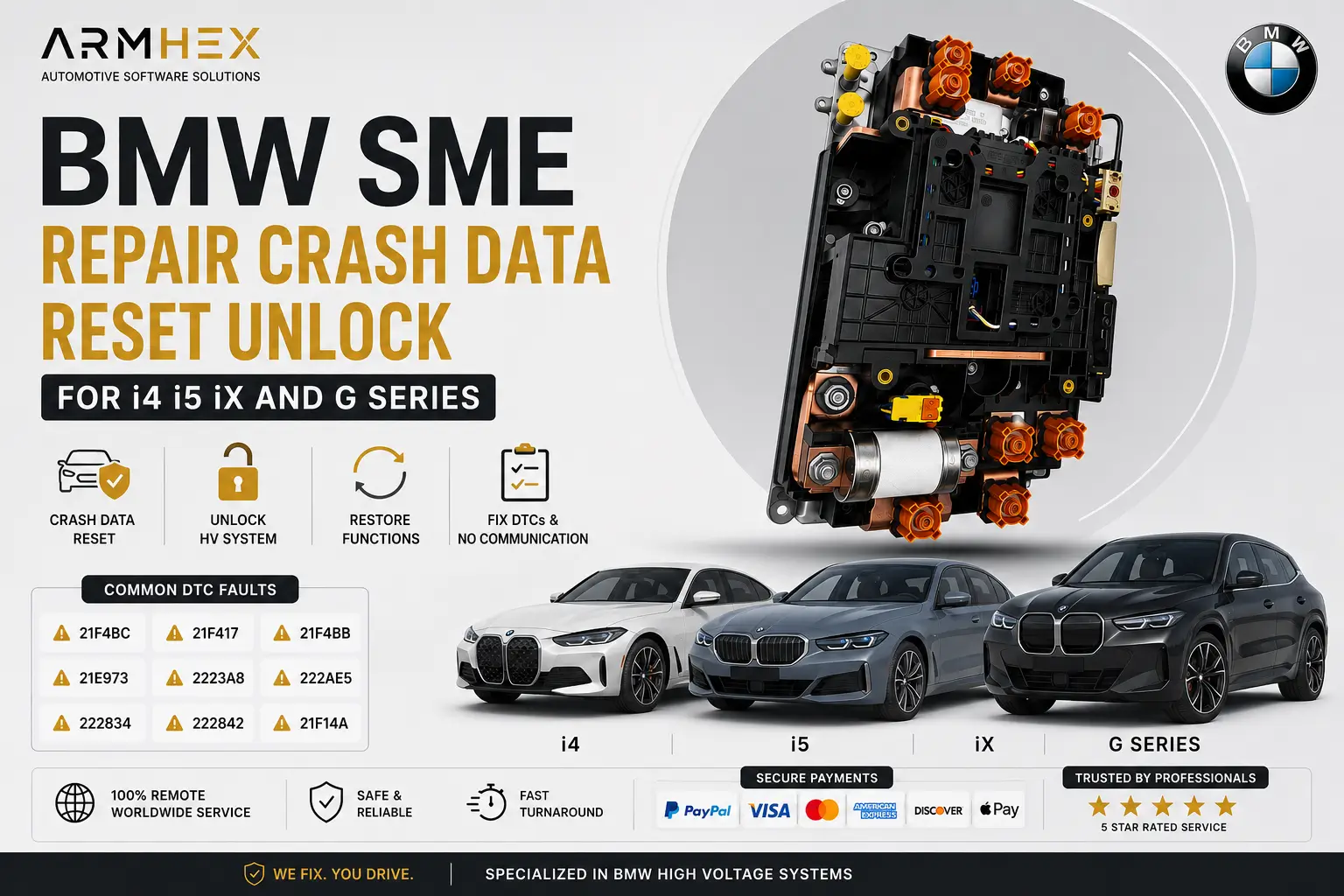 $249
$249
Online BMW SME crash data reset, HV battery unlock, and remote programming coding for i4, i5, iX & G Series. Repair crash faults and restore…
View service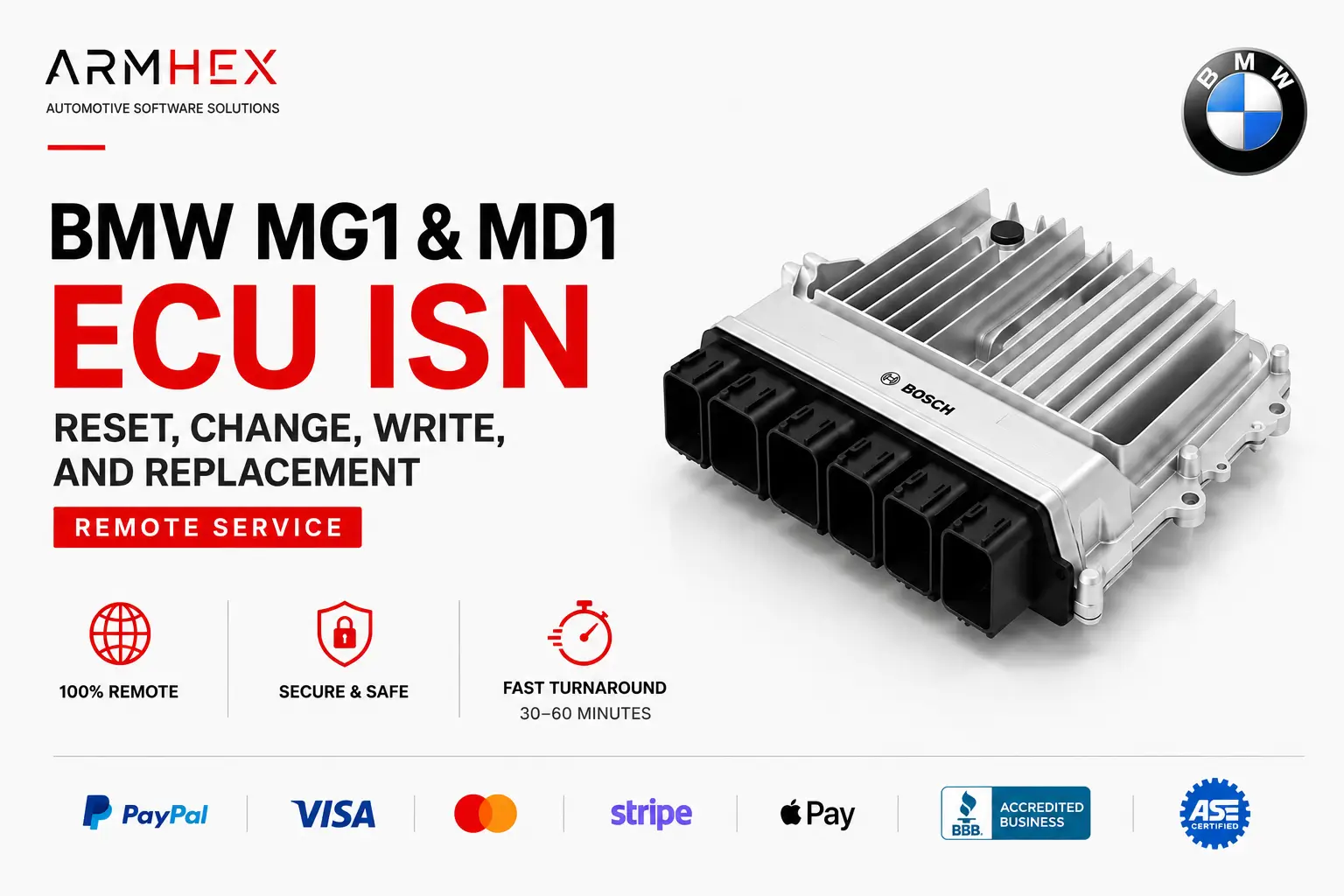 $149
$149
BMW MG1 & MD1 ECU ISN reset, change, swap, transfer, and replacement remote online service. Fix no-start issues after DME or engine swaps wi…
View service