Android Auto Missing
Android Auto does not appear in iDrive even though the vehicle has a compatible infotainment system.

WhatsApp Support: +1 (657) 229 1838
ARMHEX provides professional BMW Android Auto Activation and remote coding for supported iDrive 7 and iDrive 8 vehicles. Enable Android Auto on the original BMW infotainment system for factory-style access to Google Maps, calls, messages, music, and compatible Android apps. Android Auto missing or unavailable in your BMW? Connect a Windows laptop and an ENET cable, and our BMW coding specialist performs the required Android Auto coding and activation remotely; no dealer visit or aftermarket Android Auto module required.
Everything you need to activate Android Auto on your BMW remotely using the original infotainment system.
You typically need BMW Android Auto Activation when the vehicle has compatible hardware but Android Auto is missing, unavailable, or not enabled in iDrive. This may occur because of the vehicle's software level, factory configuration, or infotainment setup. ARMHEX provides remote BMW Android Auto coding and activation for supported iDrive systems using an ENET cable and a Windows laptop.
Android Auto does not appear in iDrive even though the vehicle has a compatible infotainment system.
The BMW has compatible hardware/software, but Android Auto is not enabled or available.
The infotainment configuration requires coding, software preparation, or activation before Android Auto can be used.
When Android Auto is missing or unavailable in BMW iDrive, the cause may be the vehicle's software level, infotainment configuration, or Android Auto activation status. Connection problems are different. Bluetooth/Wi-Fi pairing, phone compatibility, or intermittent disconnections should be diagnosed separately before assuming coding is required. BMW itself instructs users to have Bluetooth and Wi-Fi enabled during Android Auto setup.
Our BMW Android Auto Activation service enables Android Auto on supported BMW infotainment systems through remote coding and software configuration. Connect your BMW using an ENET cable and a Windows laptop, and our specialist completes the required procedure remotely.
After successful Android Auto activation and coding, the feature is enabled on the supported BMW infotainment system. Pair a compatible Android phone and access supported Google Maps, calls, messages, music, and apps through the BMW display.
Android Auto is missing, unavailable, or not enabled in the BMW infotainment system.
Android Auto is enabled and ready for compatible smartphone integration through BMW iDrive.
After successful BMW Android Auto activation, pair your compatible Android smartphone and use supported apps directly through the BMW display.
Use Android Auto through the original BMW infotainment system for compatible navigation, calls, messages, music, and apps.
Get BMW Android Auto activated remotely using an ENET cable and a Windows laptop, no aftermarket Android Auto module required for supported vehicles.
Our BMW Android Auto Activation service supports many vehicles equipped with compatible BMW infotainment systems. Compatibility depends on the head unit, software level, factory options, production date, and vehicle configuration. Send ARMHEX your VIN before booking to confirm compatibility.
G20 / G21 3 SeriesG22 / G23 / G26 4 SeriesG30 / G31 5 SeriesG11 / G12 7 SeriesG14 / G15 / G16 8 SeriesG01 X3G02 X4G05 X5G06 X6G07 X7G29 Z4G20 / G21 3 SeriesG22 / G23 / G26 4 SeriesG60 / G61 5 SeriesG70 7 SeriesU10 / U11 X1G45 X3G05 X5G06 X6G07 X7G09 XMG26 i4G60 i5G70 i7U11 iX1I20 iXA clear 5-step remote path — from compatibility check to post-service guidance.
Any remote session starts here. Contact us on WhatsApp and check compatibility.
Buy the service and schedule the service at your best time. We will send you the remote session software.
Prepare everything for a safe remote session.
We contact you on WhatsApp and start a remote session.
We verify the results, confirm the module operates correctly, and clear any applicable errors.
ENET Cable
Stable Internet & Windows
ArmHex Remote Session Software
Battery Maintainer
You may need ENET Cable & USB Adapter (Contact us)
Minutes for the most compatible models.
Yes, on many compatible BMW infotainment systems. Support depends on the vehicle's hardware, software level, factory equipment, and configuration.
Yes. Supported vehicles can be handled remotely using a Windows laptop and ENET connection.
A Windows laptop, ENET cable, stable internet connection, and access to the BMW.
No, not when your BMW's original infotainment system supports the activation procedure.
Compatible BMW systems support wireless Android Auto. BMW's setup process uses Bluetooth and Wi-Fi for the connection.
Possible causes include software level, vehicle configuration, unsupported equipment, or Android Auto not being enabled. Phone/connectivity issues should also be ruled out.
This depends on the vehicle. BMW's current U.S. guidance says compatibility requires appropriate Live Cockpit equipment and qualifying software; BMW's availability documentation also references software-level requirements for applicable vehicles.
Yes, compatible iDrive 7 vehicles support Android Auto. BMW provides an official pairing procedure specifically for Operating System 7.
Yes. BMW officially supports Android Auto on compatible Operating System 8 vehicles.
Potentially. If the feature disappeared after programming or head-unit work, the current software and configuration should first be checked.
No. Activation/coding problems are different from Bluetooth, Wi-Fi, smartphone, pairing, or intermittent connection issues.
Yes. Send your BMW VIN so the vehicle and infotainment configuration can be checked before booking.

ASE Expert Programming
OEM-Level Programming

ArmHex is a BBB-Accredited Business
100% Guaranteed to Work
Activate BMW Android Auto remotely on supported iDrive systems. Fast online coding via ENET, no dealer visit required.
 $249
$249
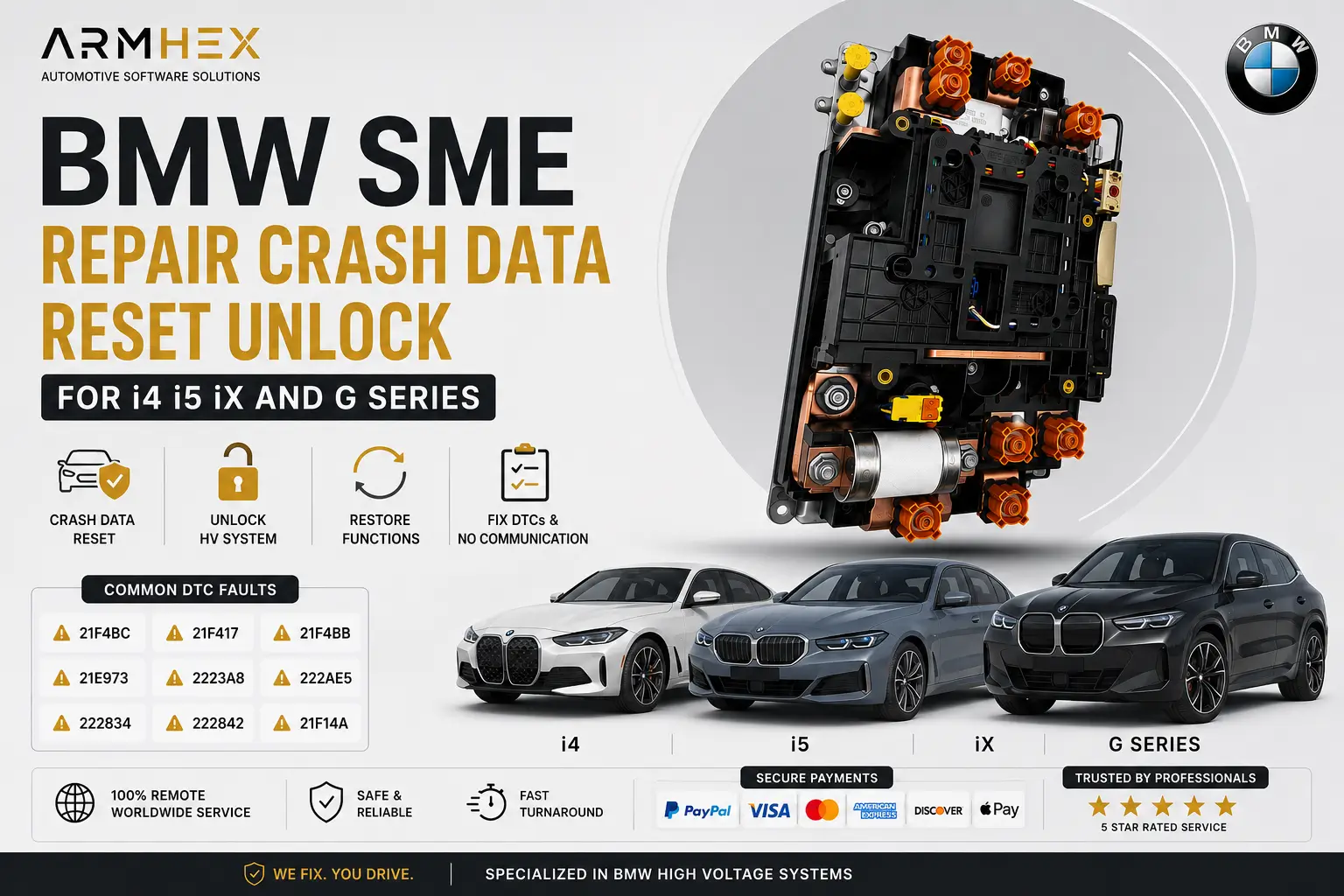
Online BMW SME crash data reset, HV battery unlock, and remote programming coding for i4, i5, iX & G Series. Repair crash faults and restore…
View service $250
$250
BMW Apple CarPlay Activation for iDrive 7 & 8 MGU ID7 ID8. Remote CarPlay coding, Full Screen CarPlay, and FSC activation with expert online…
View service $149
$149
Professional online remote BMW used 8HP transmission EGS ISN reset service. Virginize used mechatronic and TCU modules, synchronize ISN betw…
View service $149
$149
BMW MG1 & MD1 ECU ISN reset, change, swap, transfer, and replacement remote online service. Fix no-start issues after DME or engine swaps wi…
View service $149
$149
Professional online remote BMW 8HP transmission EGS ISN reset service for BMW E84 X1 and E89 Z4 GA8HP45X. Virginize used mechatronic and TCU…
View service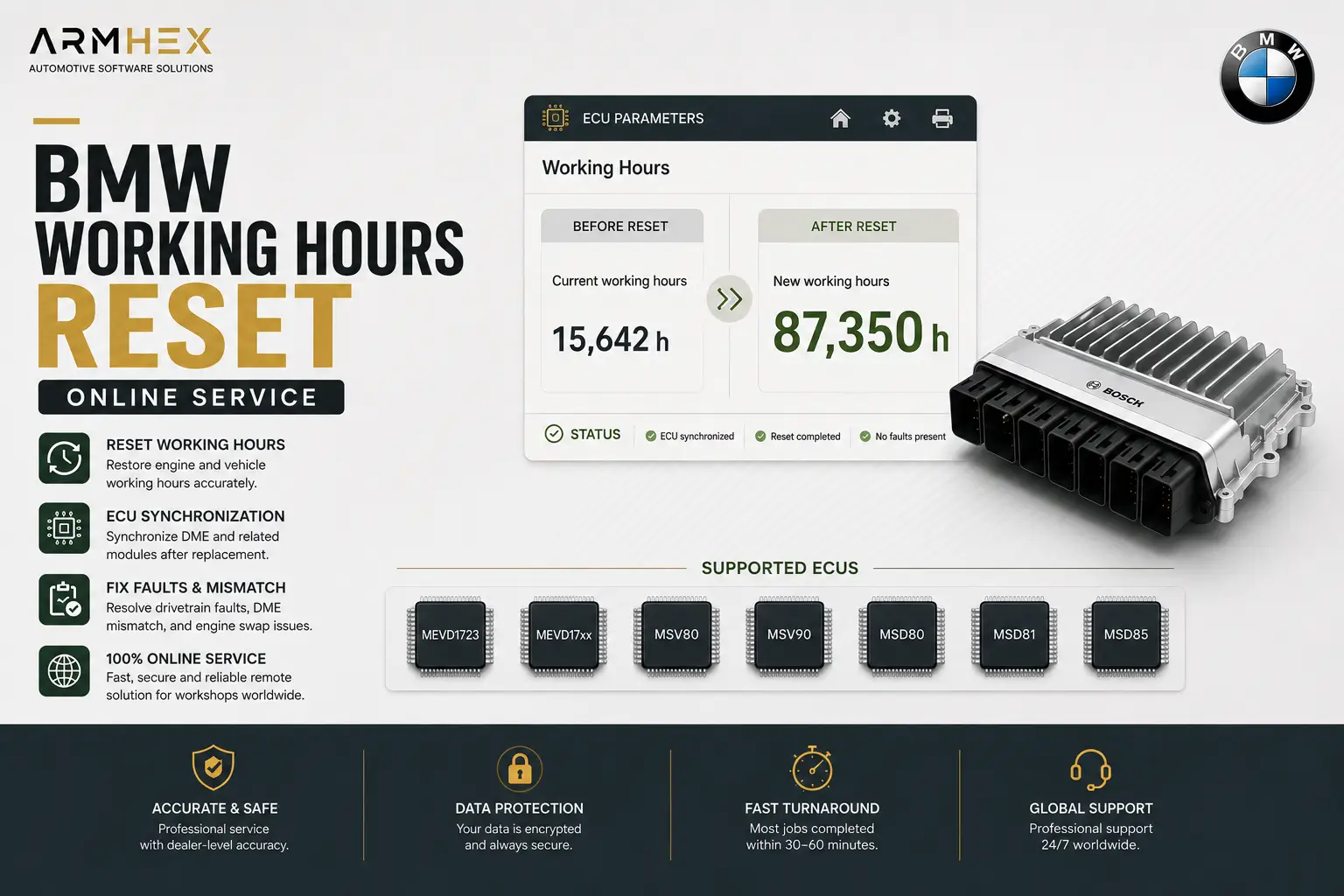 $149
$149
Professional BMW working hours reset and ECU synchronization online service for MEVD1723, MEVD17xx, MSV80, MSV90, MSD80, MSD81, MSD85 ECUs.…
View service